Practical Guide to ABB ACS580 VFD Commissioning: Parameter Settings and Troubleshooting from a Wuhan Engineer
Author: 来自于网络•
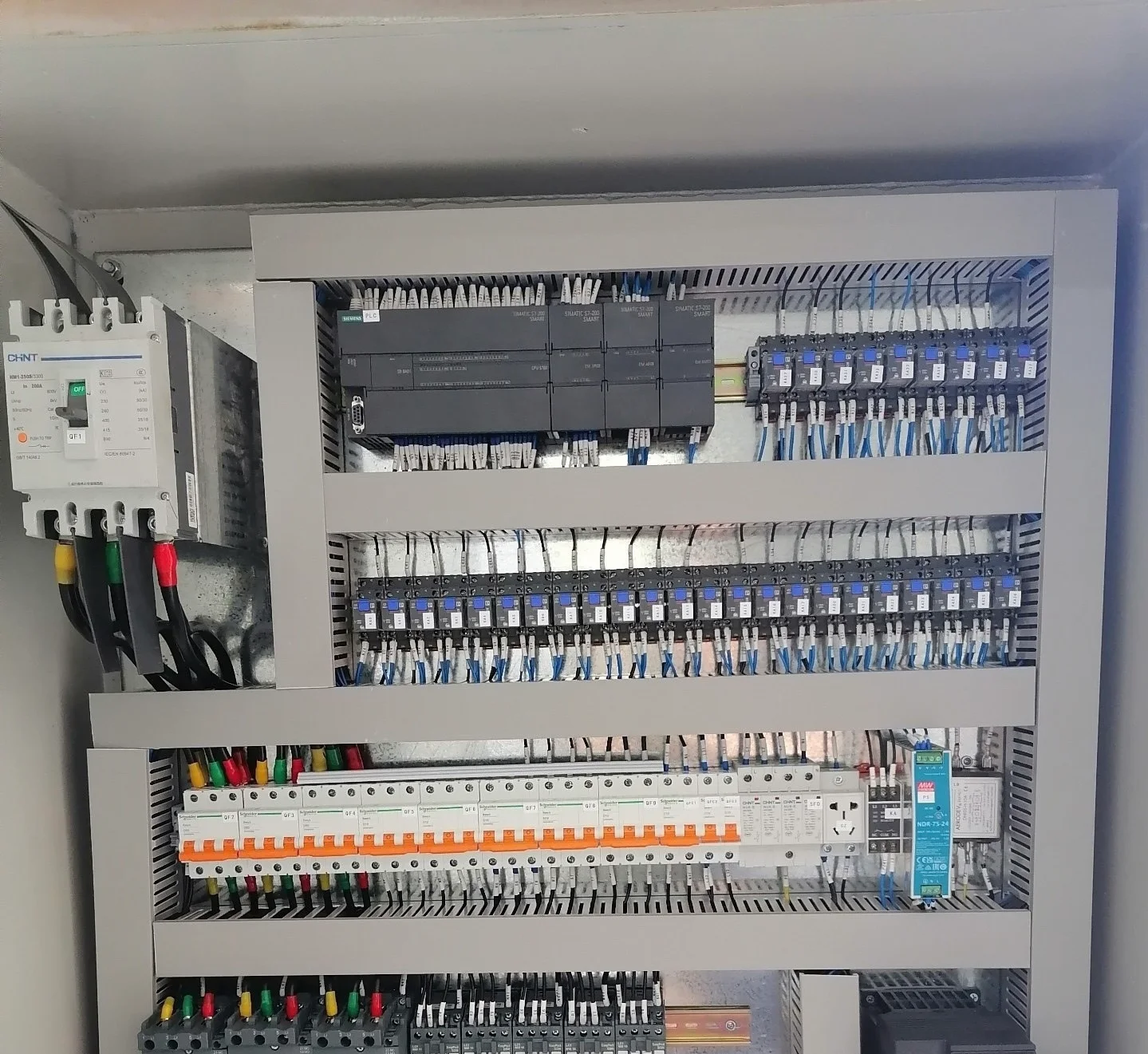
As an electrical automation engineer in Wuhan, Hubei, I've commissioned countless ABB ACS580 drives across wastewater treatment, HVAC, and industrial fan/pump applications. This article shares my hands-on approach to parameter setting, focusing on the essential groups for reliable operation. I'll walk you through my standard commissioning sequence, highlight critical parameters often overlooked, and explain how to interpret common VFD fault codes to get your system running smoothly and efficiently.
Over the past 15 years in Hubei, from the wastewater plants along the Yangtze to the HVAC systems in Wuhan's high-rises, the ABB ACS580 has been a workhorse in our control panels. Its reliability is excellent, but like any powerful tool, its performance hinges on proper setup. Today, I want to share the practical commissioning routine and parameter philosophy we use at Yongrui Electrical, born from getting these drives to play nicely with everything from simple pump starters to complex PLC networks. Forget the thousand-page manual for a moment; let's talk about the parameters that truly matter on the shop floor. First, safety. Always ensure mains power is locked out before wiring. Verify the motor nameplate data is accurate—this is the foundation. Incorrect voltage or current here will cascade into every protection and control function. My golden rule: never skip the motor identification (ID) run. For the ACS580, this is parameter 99.10. Set it to 'STANDARD' for most applications or 'FULL' if you're driving a special motor or need superior control. This auto-tuning procedure measures the motor's electrical characteristics and is crucial for stable torque, especially at low speeds. Let's break down the parameter groups logically. Start with the 10-group: Motor Data. Here, you input the nameplate values. Parameters 99.04 to 99.09 are non-negotiable. Get them right. Next, the 20-group: Start/Stop. For most of our pump and fan builds, we set 20.01 (EXT1 COMMANDS) to 'DI1' (assuming you're using the first digital input for Run). 20.02 sets the direction, typically 'REQUEST'. The critical one here is 20.03, the ramp type. For centrifugal pumps and fans, the quadratic ramp (QRT) is more natural and reduces mechanical stress compared to a linear ramp. Now, the heart of performance tuning: the 22-group, Speed Control. 22.01 is your minimum speed. Don't set it to zero for pumps that might run dry; a minimum of 15-20 Hz can prevent issues. 22.02 is maximum speed—never exceed the motor nameplate frequency. 22.03 is the key: the speed reference. For a standalone test, set it to 'KEYPAD'. For integration, it's almost always 'AI1' or 'AI2' for a 4-20mA or 0-10V signal from your PLC or controller. The 23-group, Ramps, is where you prevent tripping on overcurrent. For a 75kW pump motor, I might start with Accel 1 (23.11) and Decel 1 (23.12) at 20-30 seconds. Aggressive ramps are the fastest route to an 'OVERCURRENT' fault. Remember, these drives are often controlling massive inertia. The 26-group, Motor Control, is advanced but important. 26.01, the Flux Control mode, is usually left at 'DTC' (Direct Torque Control) for its excellent dynamic response. For constant torque applications like conveyors, you might tweak 26.02 (Flux Braking) and 26.03 (Flux Optimization), but for fans and pumps, the defaults are robust. Don't neglect the 30-group, Limits. 30.10 (Current Limit) should be set to 110-115% of the motor's full-load current (FLC) for short-term overload capability. 30.12 and 30.13 (Motor Thermal Protection) are your motor's lifeguard. Use the default 'THERMISTOR' setting if your motor has a PTC probe wired to terminals X1:1 and X1:2; otherwise, use the 'I2T' model based on the drive's calculated thermal load. This is a primary cause of 'MOTOR TEMP' faults if misconfigured. The 32-group, AI/AO Configuration, is critical for integration. For a standard 4-20mA input on AI1, set 32.01 (AI1 MIN) to 4mA and 32.02 (AI1 MAX) to 20mA. Then, link it to the speed reference by ensuring 22.03 is set to 'AI1'. Similarly, configure an analog output, say AO1 (parameter 34.01), to output 'MOTOR SPEED' (value 103) for feedback to your SCADA system. Finally, the 50-group, Fault Functions. This is your diagnostic center. 50.01 (Fault Reset Mode) is often set to 'AUTO' for unattended applications, but I prefer 'MANUAL' during initial commissioning to force a physical check after any trip. Now, let's talk about the inevitable: VFD fault codes. The ACS580 displays these clearly. Here are the top three I see: First, '2310' or 'OVERCURRENT'. This means the output current has spiked. Causes: too short acceleration ramp (check 23.11), mechanical jam, or a failing motor winding. Second, '3220' or 'SHORT CIRCUIT'. This is a hardware fault. Before blaming the drive, meticulously check your motor cable and motor terminals for a short or ground fault. A damaged cable is a common culprit. Third, 'FF81' or 'COMM MODULE LOSS'. This appears when using fieldbus (like Profibus DP). Check the communication wiring, the node address set in parameter 51.xx, and the configuration in your master PLC. My commissioning checklist is simple: 1) Verify wiring and motor data. 2) Perform motor ID run (99.10). 3) Set basic start/stop and speed source (Group 10, 20, 22). 4) Set conservative ramp times (Group 23). 5) Configure analog I/O for control (Groups 32, 34). 6) Enable and test motor thermal protection (30.12). 7) Do a low-speed test run, then gradually increase speed while monitoring output current. If the current is stable and below the motor FLC, you're golden. The ACS580 is a forgiving and capable drive. By methodically working through these key parameter groups and understanding the story behind the fault codes, you can commission it confidently. In our integration projects in Hubei, this disciplined approach has minimized callbacks and maximized uptime, whether the drive is controlling a critical aeration blower or a cooling tower fan. Remember, the parameters are not just numbers; they are the translation layer between your electrical design and the physical world of rotating equipment. Set them with purpose.
Keywords
ACS580ABB VFD CommissioningACS580 ParametersVFD Fault Codes