Getting Started with Siemens SMART 200 PLC Programming and Common Applications
Author: 来自于网络•
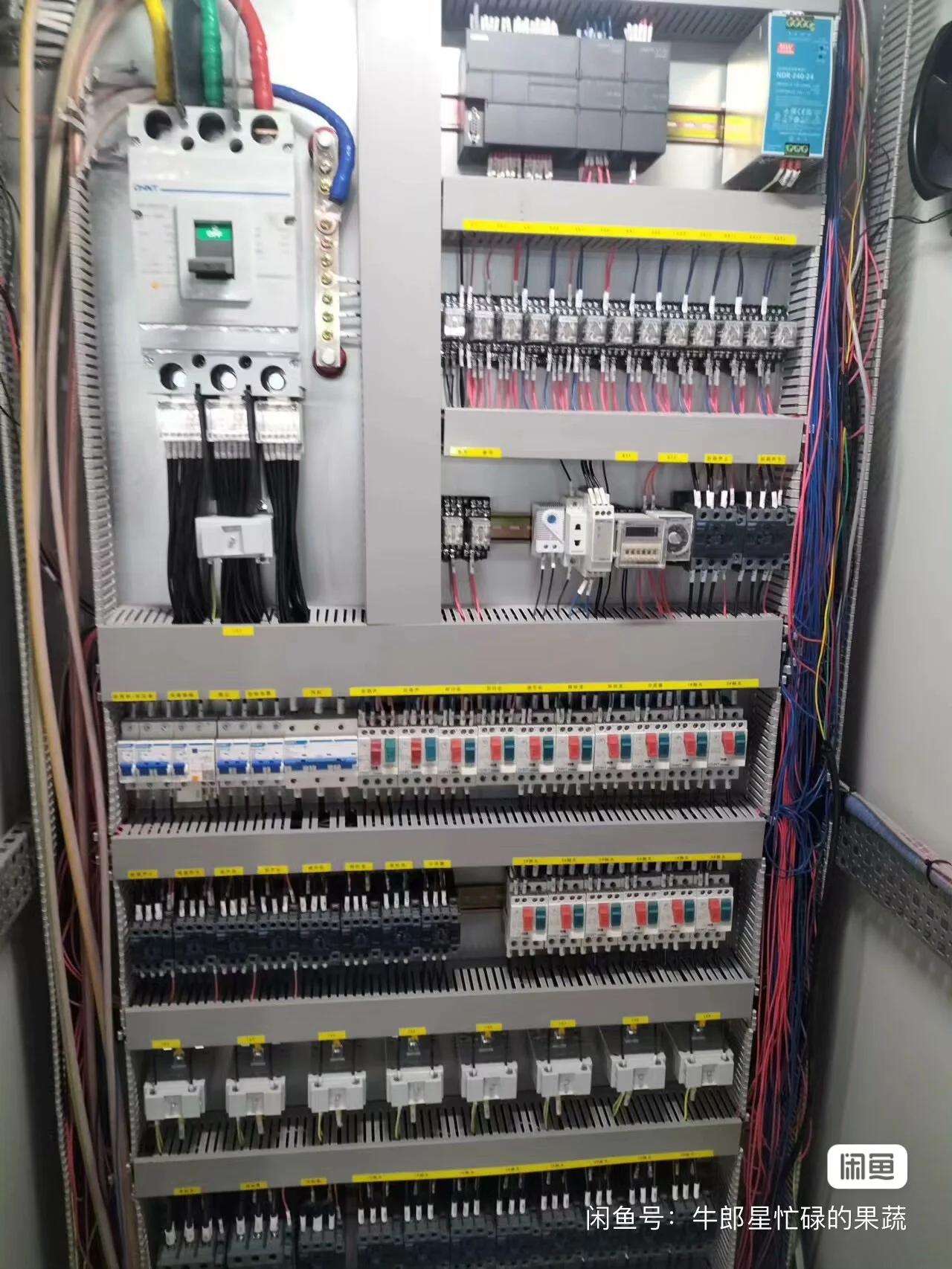
{ "title": "Getting Started with Siemens SMART 200 PLC Programming: A Practical Guide from the Field", "excerpt": "As an automation engineer in Hubei, I've deployed countle
{
"title": "Getting Started with Siemens SMART 200 PLC Programming: A Practical Guide from the Field",
"excerpt": "As an automation engineer in Hubei, I've deployed countless Siemens S7-200 SMART PLCs in wastewater treatment, HVAC, and material handling systems. This guide cuts through the theory to give you the practical essentials for getting started. We'll cover why the SMART 200 series, especially the compact ST20 CPU, is a workhorse for small to mid-scale projects, how to set up your programming environment with STEP 7-Micro/WIN SMART, and walk through a real-world motor control ladder logic example. I'll also share tips on integrating with SMART LINE HMIs and common pitfalls to avoid based on my 15 years of panel building and system integration experience.",
"content": "For over 15 years in the electrical automation field here in Hubei, I've seen control technologies come and go. But one platform that has consistently proven its worth in our custom control panels for wastewater, HVAC, and material handling is the Siemens S7-200 SMART PLC. It strikes that perfect balance between capability, cost, and reliability for small to medium-scale applications. If you're new to this platform or considering it for your next project, let me walk you through the essentials from a practical, boots-on-the-ground perspective.
First, why choose the SMART 200? From our work at Wuhan Yongrui Electrical, the answer is straightforward. For the vast majority of our clients—municipal wastewater plants, small manufacturing lines, building management systems—they don't need the overwhelming power of a S7-1500. They need a robust, dependable brain for their control panel. The SMART 200 series delivers exactly that. The CPUs, like the ST20 I use frequently, are compact enough for our VFD and soft-starter cabinets yet pack enough I/O and communication ports (built-in Ethernet and RS485) to handle typical monitoring and control tasks. The real clincher is the software: STEP 7-Micro/WIN SMART. It's free, which removes a significant barrier to entry, and it's remarkably intuitive compared to some other professional-grade IDEs.
Getting started with SMART 200 programming begins with the software. Download and install STEP 7-Micro/WIN SMART from Siemens' website. Once launched, your first step is to communicate with the PLC. Connect your ST20 CPU to your PC via the Ethernet cable. The software's communication wizard is fairly good. You'll often just need to click 'Find CPU' and let it scan the network. A pro tip: always set a unique IP address for your PLC early in the project, especially before integrating it with a SMART LINE HMI. I've lost hours on site because of IP conflicts.
Now, let's talk about the programming environment. You primarily work in Ladder Logic (LAD), which is perfect for the electrician-to-engineer transition many of us make. The instruction set is comprehensive for basic logic, timers, counters, math, and even simple PID loops. For a beginner, focus on mastering the core bit logic instructions, the different types of timers (TON, TOF, TONR), and compare instructions. A common application I implement is a pump alternation scheme for a wastewater lift station. Using a clock pulse and a counter, you can easily program two pumps to alternate duty cycles, ensuring even wear. This is a classic example of where the SMART 200 shines.
Let me sketch out a very basic but real motor control circuit in ladder logic for an ST20 CPU. Imagine a conveyor motor controlled by a start button (I0.0), a stop button (I0.1), and a thermal overload feedback (I0.2). The motor contactor is wired to output Q0.0. Your network in the software might look like this: A normally open contact for I0.0 (Start) in parallel with a normally open contact for the output coil Q0.0 (sealing contact). This parallel branch is in series with a normally closed contact for I0.1 (Stop) and a normally closed contact for I0.2 (Overload). The output of this rung is the coil Q0.0. This is your standard three-wire control. You would then add a timer after this to, say, delay the start of a downstream process. The key is to keep initial programs modular and well-commented. Use the symbol table to give your I/O points meaningful names like 'ConveyorStartPB' instead of just I0.0.
Where the system becomes truly powerful is in integration. Pairing the SMART 200 PLC with a Siemens SMART LINE HMI is seamless. The built-in Ethernet port on the PLC makes this connection trivial. In the HMI software (WinCC Flexible SMART), you simply define the connection as S7-200 SMART via Ethernet, point to the PLC's IP address, and then you can tag variables directly from your PLC program. This integration is a huge time-saver for building operator interfaces for our control panels. You can display pump statuses, tank levels, setpoints, and alarm histories without complex protocol configuration.
Based on my experience, here are some common pitfalls to avoid. First, memory management. The ST20 has limited variable memory (V memory). Plan your data blocks and use indirect addressing wisely for data logging. Second, always handle the first scan bit (SM0.1). Use it to initialize your program, reset counters to zero, or set default values. A system that behaves unpredictably on power-up is a nightmare. Third, be meticulous with your scan time. While the SMART 200 is fast, putting a complex PID loop or a massive FOR-NEXT loop in the main program can slow it down. Use timed interrupt routines (SMB34/SMB35) for time-critical processes.
Finally, think about applications. Beyond simple motor control, we use SMART 200 PLCs for proportional valve control in chemical dosing systems, temperature control loops in HVAC units, and multi-stage pump control in clean water systems. Its built-in pulse output on certain models is great for simple stepper or servo positioning. The key is to understand its limits; it's not for motion-intensive or data-heavy SCADA systems, but for 80% of the standalone machines and process skids we build, it's the ideal, cost-effective controller.
In conclusion, diving into Siemens SMART 200 programming is one of the most practical skills an automation professional can develop. Its straightforward hardware, free software, and robust performance make it a cornerstone of modern industrial control. Start with a simple project, get comfortable with the software, and you'll soon see why it's the go-to choice for so many integration projects across Hubei and beyond.",
"seoTitle": "Siemens SMART 200 PLC Programming Guide: Setup, Ladder Logic & HMI Integration",
"seoDescription": "A complete practical guide to Siemens S7-200 SMART PLC programming for beginners. Written by an experienced automation engineer in Hubei, China, this article covers how to start with STEP 7-Micro/WIN SMART software, write basic ladder logic for an ST20 CPU, and integrate with SMART LINE HMIs for real-world applications like motor control, pump alternation, and HVAC systems. Learn essential tips, common pitfalls to avoid, and see why the SMART 200 series is a preferred choice for cost-effective control panels in wastewater treatment, material handling, and industrial automation projects. Discover hardware setup, software configuration, and practical programming examples from the field."
}
Keywords
SMART 200SMART 200 ProgrammingST20 CPUSMART LINE HMI