Getting Started with Siemens SMART 200 PLC Programming and Common Applications
Author: 来自于网络•
{ "title": "Getting Started with Siemens SMART 200 PLC Programming: A Practical Guide from the Field", "excerpt": "As an electrical automation engineer based in Hubei, China, I
{
"title": "Getting Started with Siemens SMART 200 PLC Programming: A Practical Guide from the Field",
"excerpt": "As an electrical automation engineer based in Hubei, China, I've seen the Siemens S7-200 SMART PLC become a cornerstone for countless small to medium-sized industrial applications. This guide distills years of hands-on experience into a practical walkthrough for beginners. We'll cover the essentials of SMART 200 programming, from software setup and basic logic to integrating with SMART LINE HMIs and real-world applications like wastewater control and HVAC systems. I'll share common pitfalls, debugging tips, and why the ST20 CPU is often my go-to choice for cost-effective projects.",
"content": "For over a decade working with Wuhan Yongrui Electrical Technology, I've programmed PLCs from almost every major manufacturer. When a client needs a reliable, cost-effective solution for a wastewater treatment skid, a packaging machine, or a small HVAC system, my hand often reaches for the Siemens S7-200 SMART series. It strikes a perfect balance for many of our projects in Hubei's diverse industrial landscape. This article is my practical guide to getting started with SMART 200 programming, based on real panel builds and system integrations.
First, let's talk hardware. The SMART 200 family has a clear CPU lineup. For many standard applications—like a pump alternation control panel or a conveyor belt system—the CPU ST20 is my workhorse. It offers 12 digital inputs and 8 digital outputs onboard, which is sufficient for a surprising number of tasks. Its compact size fits neatly into our custom control panels. For more complex I/O needs, the ST30, ST40, and ST60 models scale up nicely. Remember, a key advantage is the built-in Ethernet port (on all CPUs except the ST20's basic version). This makes connecting to a SMART LINE HMI or a SCADA system incredibly straightforward, eliminating the need for extra communication modules in basic setups.
The heart of SMART 200 programming is the software: STEP 7-Micro/WIN SMART. It's a dedicated, streamlined environment that is notably more user-friendly than its bigger brother, TIA Portal. Installation is straightforward. Once launched, your first step is to communicate with the PLC. Connect your PC to the PLC's Ethernet port. Go to the 'Communications' dialog, perform a search, and select your CPU's IP address. Always double-check that the PLC type in the software matches the physical CPU on your desk—a simple mismatch here can waste an hour.
Programming itself follows the classic Siemens ladder logic (LAD) structure, which is intuitive for electrical folks. A fundamental concept is the memory addressing: I for inputs (e.g., I0.0), Q for outputs (e.g., Q0.0), M for internal memory bits, V for variable storage, and so on. Start simple. Create a basic start/stop seal-in circuit for a motor. Use a normally open contact for the Start button (I0.0), a normally closed contact for the Stop button (I0.1), and parallel to the Start, use the output coil itself (Q0.0) to seal the circuit. This foundational pattern appears everywhere.
Beyond basic logic, you'll quickly need timers and counters. The SMART 200 offers TON (On-Delay), TOF (Off-Delay), and TONR (Retentive On-Delay) timers. For a blower that must run for 30 seconds after a pump starts, a TON is perfect. Counters, like CTU (Count Up), are invaluable for batch processes—like counting 100 bottles before triggering a divider gate. My pro tip: always give your timers and counters descriptive symbolic names (like \"FanDelayTimer\") in the symbol table immediately. It makes debugging at 2 AM much less painful.
Now, let's connect it to an operator interface. The Siemens SMART LINE HMI series is the natural partner. In the HMI software (WinCC Flexible SMART or the newer TIA Portal WinCC Basic), you define tags that directly map to the PLC addresses (e.g., connecting an HMI button to M0.0 or reading a value from VW100). The Ethernet connection makes this integration plug-and-play. For a standard control panel, we often pair an ST20 CPU with a 7-inch SMART LINE HMI, creating a powerful local control station.
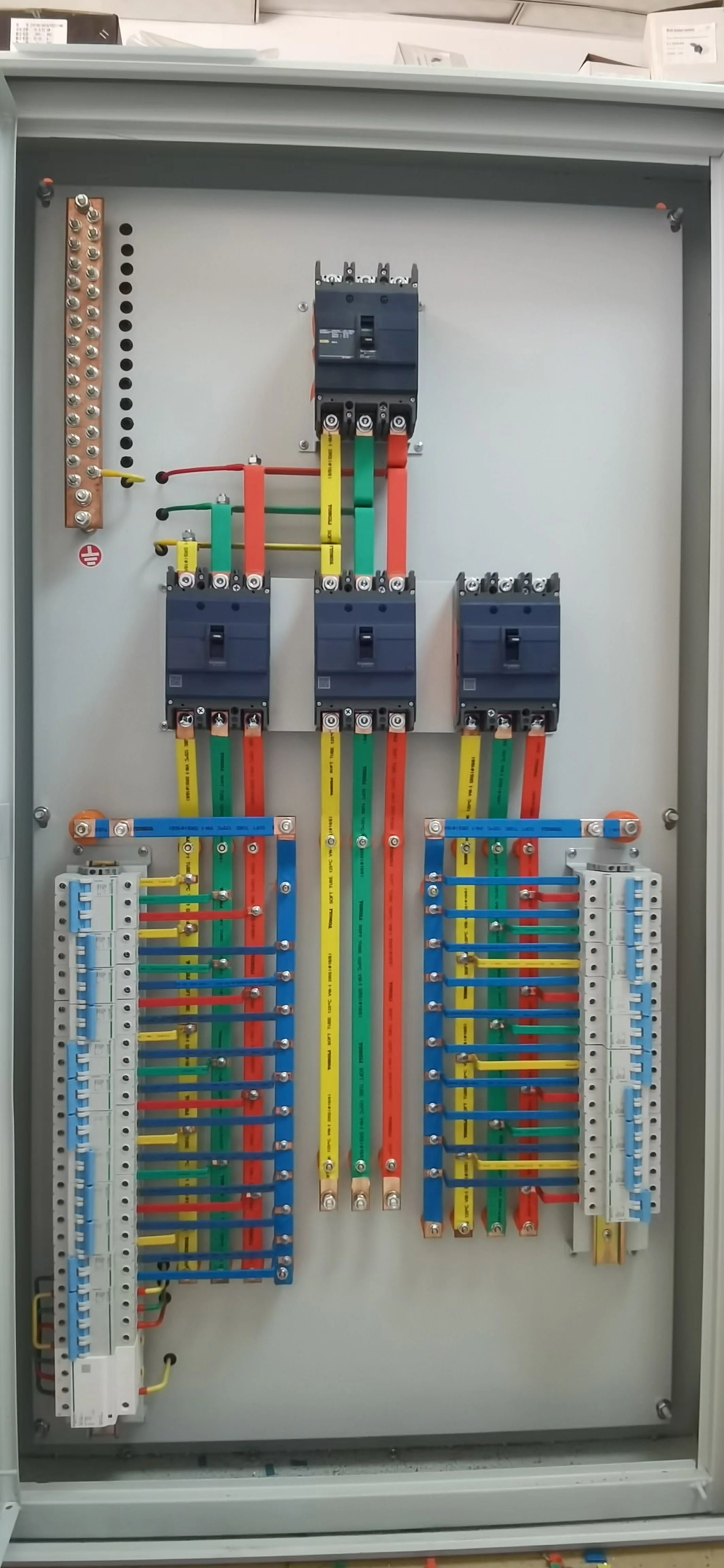
Where do we apply this? Constantly. One common application is in our packaged wastewater control panels. An ST20 CPU might monitor level sensors (inputs), control inlet and dosing pumps (outputs), manage timer-based aeration cycles, and communicate alarm statuses to the HMI. Another is for industrial HVAC fans and pumps, using the PLC for duty cycling and interlocking based on temperature sensors (connected via analog input modules). The built-in real-time clock in the CPU is great for implementing time-based control, like turning on park lighting at sunset.
Debugging is where experience counts. Always use the status chart or the program state online feature. You can force I/O for testing, but be extremely cautious—only do this in a controlled environment. A common mistake is forgetting the scan cycle. If you write a logic that sets an output in one network and then immediately uses that output's status in the next network to reset something else, it might not work as you expect on the first scan. Understand the cycle: read inputs, execute program, write outputs.
Finally, some hard-earned advice. First, document your program as you go with comments and symbols. Your future self, or the engineer who inherits your panel, will thank you. Second, always make backups of your final program and store them with the panel's as-built drawings. Third, don't be afraid to use the extensive pulse and clock memory bits the system provides—they simplify flashing indicators and periodic tasks immensely.
The Siemens SMART 200 ecosystem provides a robust, accessible entry point into automation. By mastering the basics of SMART 200 programming and understanding its synergy with devices like the SMART LINE HMI, you can design and implement effective solutions for a vast array of industrial challenges. It's a tool that has served our clients in Hubei reliably, and with a solid foundation, it will serve you well too.",
"seoTitle": "Siemens SMART 200 PLC Programming Guide: Basics, ST20 CPU & SMART LINE HMI Integration",
"seoDescription": "A complete practical guide to Siemens S7-200 SMART PLC programming for beginners. Written by an experienced automation engineer in Hubei, China, this article covers step-by-step setup with STEP 7-Micro/WIN SMART, essential ladder logic programming, hardware selection tips for the ST20 CPU, and seamless integration with SMART LINE HMIs. Learn common applications in wastewater treatment, HVAC, and industrial control panels, along with real-world debugging advice and best practices for successful project implementation using the cost-effective SMART 200 platform."
}
Keywords
SMART 200SMART 200 ProgrammingST20 CPUSMART LINE HMI